
Photo Toolbox
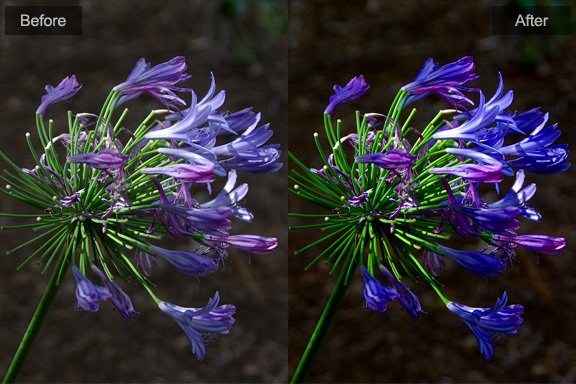
Blur & Sharpen
Gaussian Blur
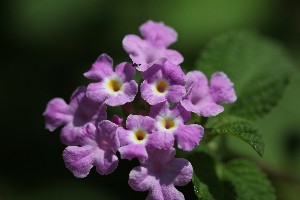
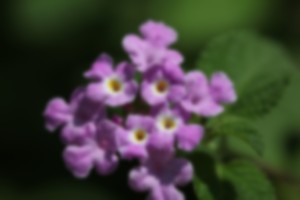
Blur a portion of the image or the whole imege by choosing a bluring-radius.
| Before | After |
|---|---|
 |
 |
Simple Sharpen
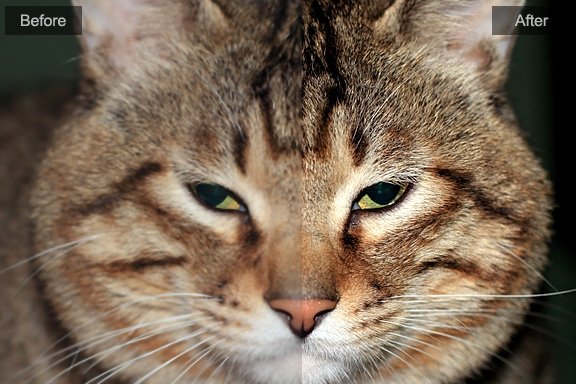
Make just a little sharpen on the image. This is the easiest way to sharpen an image.
USM Sharpen
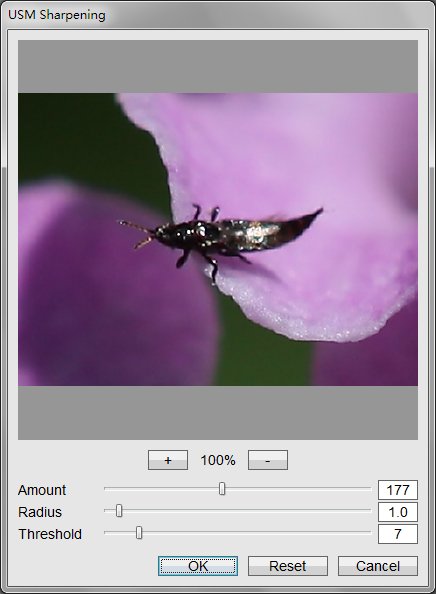
See how to use USM Sharpen tool.
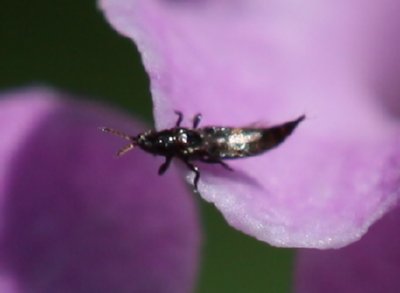
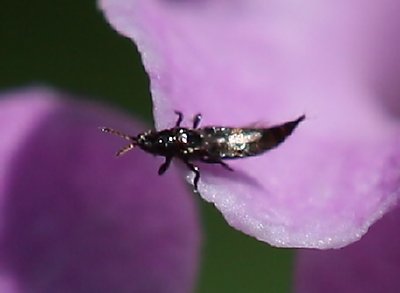
The Unsharp Mask sharpens an image by increasing contrast along the edges in an image. The Unsharp Mask does not detect edges in an image. Instead, it locates pixels that differ in value from surrounding pixels by the threshold you specify. It then increases the contrast of neighboring pixels by the amount you specify. So, for neighboring pixels the lighter pixels get lighter and the darker pixels get darker.
In addition, you specify the radius of the region to which each pixel is compared. The greater the radius, the larger the edge effects.
| Before | After |
|---|---|
 |
 |
Mosaic
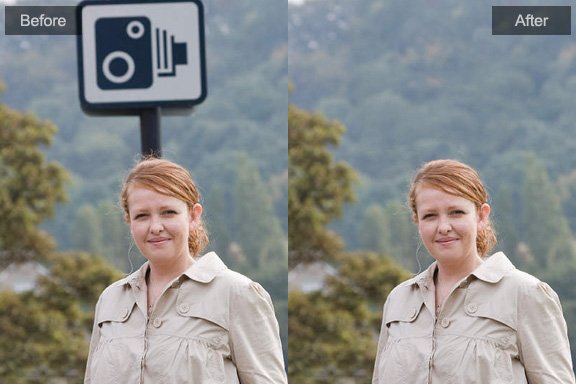
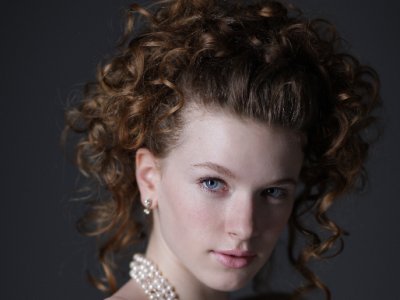
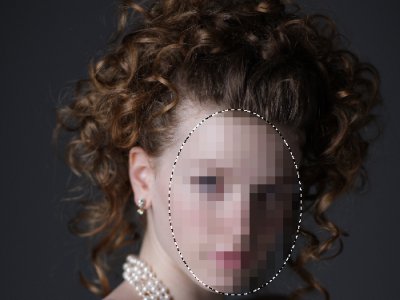
Mosaic effect clumps pixels into square blocks. The pixels in a given block are the same color, and the colors of the blocks represent the colors in the selection.
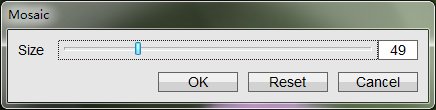
In addition, you specify the size of blocks. The greater the size is, the more blurry the picture will be.
| Before | After |
|---|---|
 |
 |
Photoshop&Lightroom are trademarks of Adobe Systems Inc.