
Photo Toolbox
Photo Manipulation
Flip
User can flip the photo horizontally or vertically by just one key stroke.
Hotkeys: Horizontal Flip[H], Vertical Flip[V]
Rotate
Three rotation method are supported.
| Rotate Left | Rotate the photo by 90 degrees counter-clockwise. |
| Rotate Right | Rotate the photo by 90 degrees clockwise. |
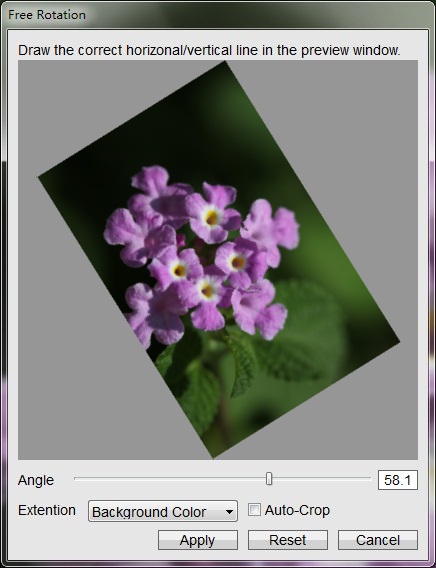
| Free Rotation | Rotate the photo by any specified degrees. |
Hotkeys: Rotate Left[L], Rotate Right[R], Free Rotation[Ctrl+F]
Resize
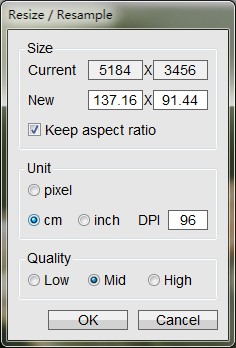
User can change the size(width and height) of the photo with many useful options.
You can use pixel, centi-meter or inch as the unit to specify the new photo size. DPI setting is needed while using the length unit.
Three quality types can be used to perform resizing. The higher the quality is, the slower the process runs. Different qualities, different algorithms.
Hotkeys: Resize[Ctrl+R]
Crop to Selection
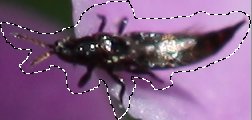
This feature is only available if a selection is active. It allows user to replace the entire image with the area that was selected.
Hotkey: [Ctrl+Shift+X]
| Before | After |
|---|---|
 |
 |
Photoshop&Lightroom are trademarks of Adobe Systems Inc.