
Photo Toolbox
6
Effect Brush
Using  Effect Brush you can add multiple effects on images just by painting. This let you make up the portrait or give a special effect to the image more easily.
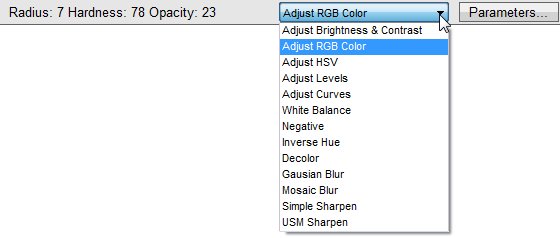
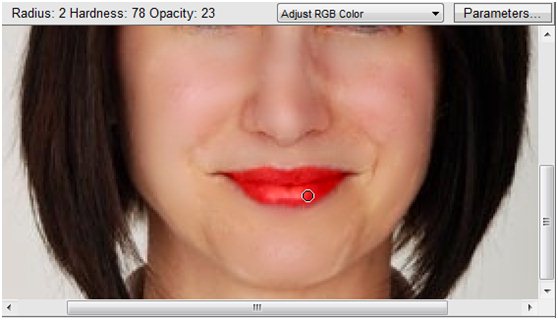
For Example, add lip gloss:

1. Choose ‘Adjust RGB Color’ option, click ‘Parameters…’, change lip color properly, then click ‘OK’.
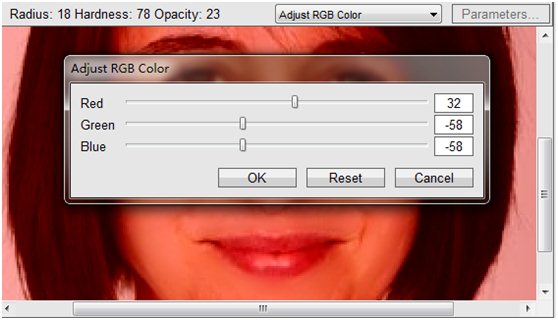
2. Change the brush to proper size, adjust hardness and opacity.
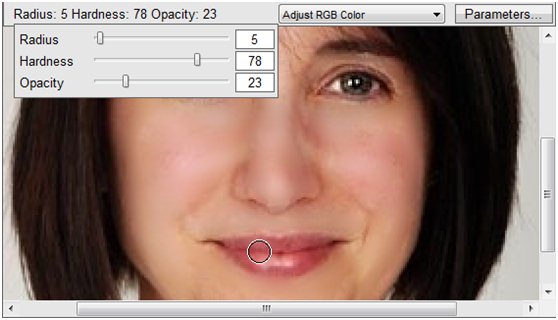
3. Paint on the lip.
1. Common Operations
File formats, importing, history, copy / cut / paste...
2. Photo Manipulation
Flip, rotate, resize and crop.
3. Selection Tools
Lasso, marquee, magic wand and color range.
4. Color Adjustment
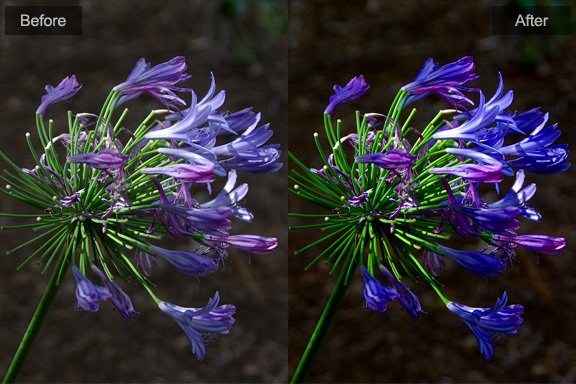
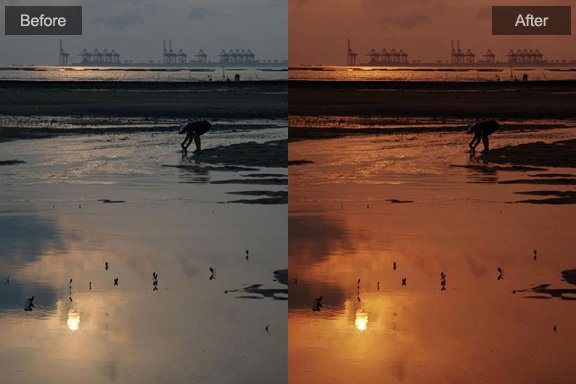
Brightness, contrast, HSV, levels, curve, white-balance...
5. Retouch & Fix
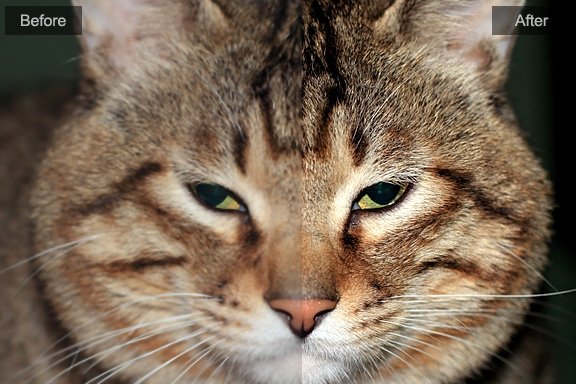
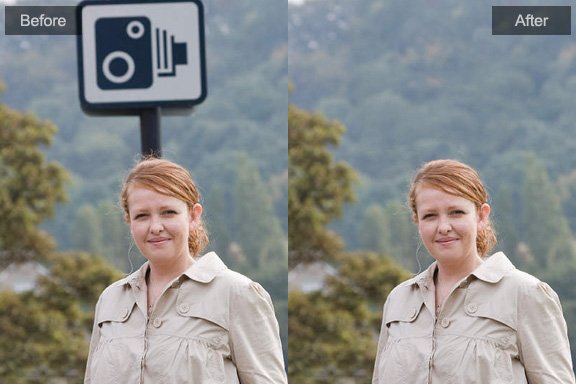
Clone stamp, dodge / burn, blemish remover, red-eye reduction.
6. Blur & Sharpen
Gaussian bluring, USM sharpening, mosaic.
7. Effect Brush
Add multiple effects on images just by painting.
Copyright©Chengzhu Li, 2009-2026. All rights reserved.
Photoshop&Lightroom are trademarks of Adobe Systems Inc.
Photoshop&Lightroom are trademarks of Adobe Systems Inc.